
Managing a musician website is a lot like tuning your favorite guitar—it needs regular care to truly shine. Skipping this upkeep leaves your online stage vulnerable to broken links, slow pages, or worse, security threats that turn fans away. By focusing on ongoing website maintenance, you help protect your reputation, deliver a great fan experience, and keep your Spotify links working flawlessly without needing a huge budget.
Table of Contents
Key Takeaways
PointDetailsRegular Maintenance is EssentialOngoing website maintenance is crucial for keeping content fresh, secure, and efficient for visitors.Prioritize Security UpdatesImplement security patches promptly to protect against vulnerabilities and maintain user trust.Focus on Content AccuracyRegularly update tour dates, album releases, and links to ensure fans receive the latest information.Monitor Links and IntegrationsTest links monthly, especially Spotify, to prevent broken connections that frustrate visitors and fans.
Defining Website Maintenance for Musicians
Website maintenance isn’t something you do once and forget about. It’s the ongoing work that keeps your musician website running smoothly, secure, and trustworthy for fans and industry contacts.
Think of it like your instrument. You don’t just buy a guitar and expect it to stay in perfect condition without care. You tune it, replace strings, check the frets. Your website works the same way.
For musicians, website maintenance covers several core responsibilities:
Keeping content fresh: Updating tour dates, new releases, and contact information so visitors find accurate details
Security updates: Installing patches and updates that protect visitor data and your site from hacking attempts
Performance checks: Making sure pages load quickly and work properly across phones, tablets, and desktop computers
Visitor experience: Ensuring navigation makes sense, links work, and fans can easily find what they’re looking for
Compliance and trust: Maintaining clear privacy policies, error handling, and professional standards that build credibility
Your website is often the first impression music industry professionals get of you—making maintenance essential to protecting that reputation.
Proper website requirements and functionality standards include mobile responsiveness, accessible design for all users, and clear error messages when something breaks. As a musician, you’re also managing your bio, streaming links, and promotional materials—all things that need regular updates to stay relevant.
The good news? Maintenance doesn’t require technical expertise. Many website builders designed for musicians handle a lot of this automatically through the backend.
When you build a professional musician website using your Spotify links, you’re setting yourself up with a foundation that supports easier maintenance going forward.
So what counts as maintenance work? It’s everything from updating your latest album release and fixing a broken link, to ensuring your contact form actually sends emails to you, to making sure your site runs safely without exposing fan information to hackers.
Pro tip: Set aside 30 minutes each month to scan your site for outdated information, test that forms work, and check that all your streaming links still function properly.
Types of Maintenance: Content, Security, and Links
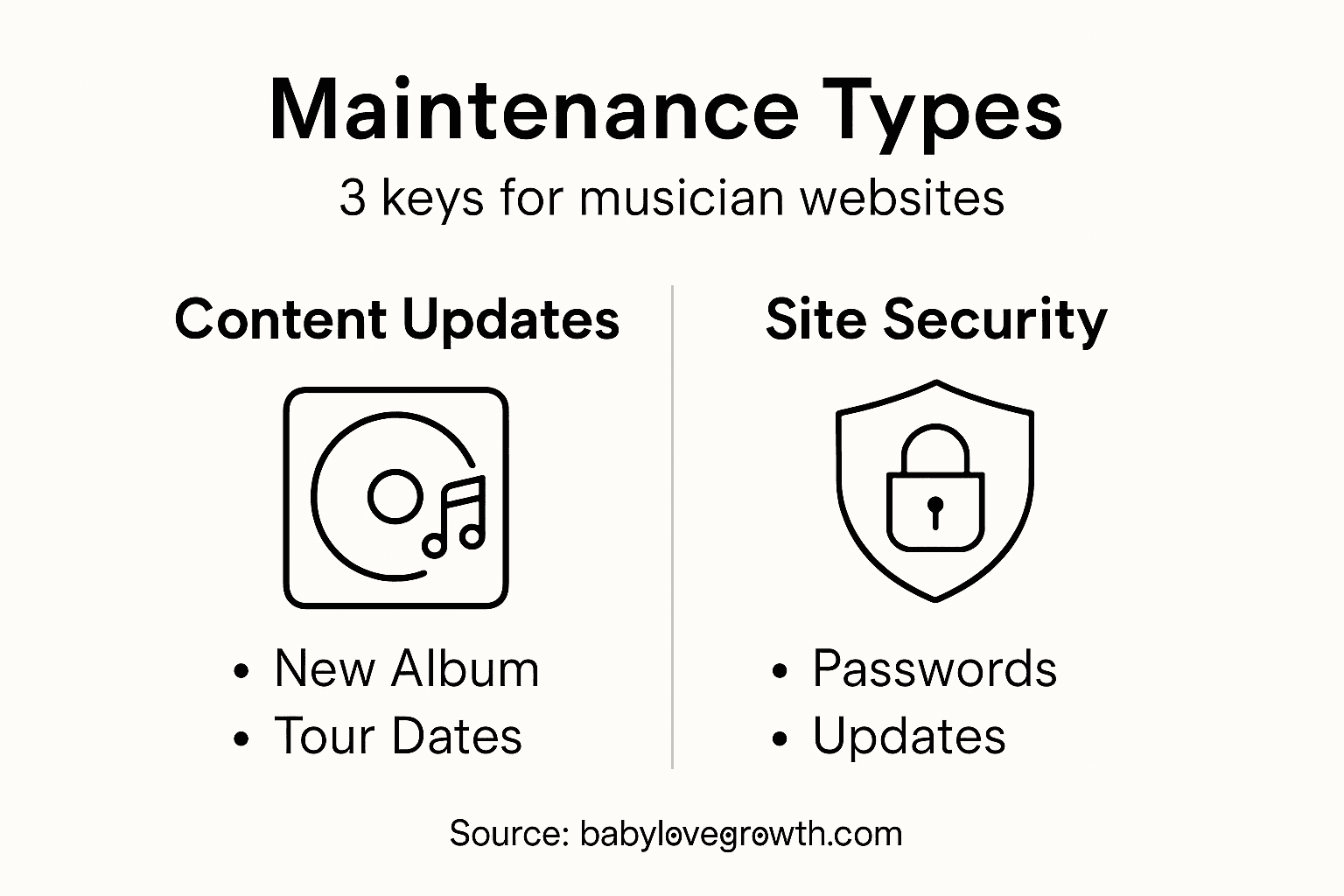
Website maintenance breaks down into three main categories, each protecting a different part of your musician site. Master all three, and you’ll keep your online presence running smoothly.
Here’s a quick comparison of the three main website maintenance categories for musicians:
Maintenance TypeMain GoalImpact on VisitorsConsequence of NeglectContent MaintenanceKeeps info accurateBuilds trust and relevanceVisitors assume inactivitySecurity MaintenanceProtects data and siteEnsures safe browsingRisk of data breachesLink MaintenanceEnsures link reliabilitySmooth music discoveryFrustration and lost fans
Content Maintenance
Keeping your information current is the easiest maintenance task, but it’s also the one most musicians neglect. Your tour dates, album releases, bio information, and streaming links need regular updates.

Why does this matter? A fan visits your site looking for upcoming shows, finds dates from last year, and assumes you’re inactive. They move on to another artist. Outdated content kills credibility fast.
Content maintenance includes:
Updating tour dates and venue information
Adding new music releases and streaming links
Refreshing your artist bio and photos
Correcting contact information
Removing expired promotions or announcements
Fresh content tells visitors you’re actively making music and worth following.
Security Maintenance
This is where things get serious. Security maintenance protects both you and your fans. Hackers don’t target musicians because they’re famous—they target websites because they contain visitor data, payment information, or email addresses.
Implementing security headers like Content Security Policy prevents common attacks such as cross-site scripting. You should also focus on:
Installing security patches and software updates immediately
Enabling multi-factor authentication on your admin account
Using HTTPS encryption so visitor data stays protected
Regularly scanning your site for vulnerabilities
Backing up your site weekly in case something goes wrong
Most website builders handle many of these automatically, but you need to stay vigilant.
Link Maintenance
Broken links frustrate visitors and hurt your credibility. A fan clicks your Spotify link expecting to hear your music, but gets a 404 error instead. They leave annoyed.
Link maintenance means:
Testing internal navigation links monthly
Verifying external links to Spotify, Apple Music, and social media still work
Updating any URLs that have changed
Removing links to content that no longer exists
Dead links are like a closed venue door—visitors assume the site is abandoned.
Combining effective website security measures with regular content updates and link checks creates a professional, trustworthy musician presence online.
Pro tip: Create a simple monthly checklist: check three recent content updates, test your top five links, and verify your contact form works—this takes 15 minutes but prevents most problems.
How Maintenance Supports Spotify Integration
Your Spotify link is one of the most important connections on your musician website. Fans click it expecting to hear your music instantly. If it breaks, you lose a conversion opportunity.
Maintenance keeps this critical connection working seamlessly. Without it, your Spotify integration fails silently, and you won’t know until fans complain.
Why Spotify Links Need Maintenance
Spotify links aren’t static. They require ongoing care to function properly. When you embed your music or create a link widget on your site, you’re using Spotify’s API infrastructure behind the scenes.
Three things can break your Spotify connection:
Spotify updates their API or changes how links work
Your authentication credentials expire or become compromised
Your site’s code uses outdated API versions that Spotify no longer supports
When any of these happen, visitors see errors instead of your music.
Maintaining Authentication and API Credentials
If your website pulls live data from Spotify—like recent releases, playlists, or listen counts—maintaining Spotify API authentication and tokens becomes essential. These credentials act like passwords that allow your site to communicate with Spotify’s servers.
Key maintenance tasks include:
Refreshing authentication tokens regularly (Spotify recommends doing this frequently)
Keeping client IDs and secrets secure and updated
Monitoring Spotify’s API documentation for version changes
Testing your connections monthly to catch problems early
Expired or compromised Spotify credentials are like having a locked door to your music—fans can’t get through, even if they want to.
Most website builders designed for musicians, like those using Spotify link integration, handle token refresh automatically. But you should still check that your Spotify links work every month.
Testing Your Spotify Connection
Don’t wait for fan complaints to discover problems. Test your links yourself.
Click every Spotify link on your site monthly. Verify that:
Links open Spotify without errors
Your songs and playlists load correctly
The mobile experience works smoothly
Widgets display album art and play buttons properly
If something fails, contact your website host or builder immediately. Many issues get fixed faster than you’d expect.
Keeping Spotify Links Current
Beyond technical maintenance, you need to update your Spotify references as your catalog changes. When you release new music, your site should reflect that within days, not months.
Regular updates include:
Adding links to new releases
Updating featured playlists
Removing old tour-related promotional links
Changing your featured track or album
A website showing your latest music signals that you’re actively creating and worth following.
Pro tip: Set a calendar reminder for the first Monday of each month to click through all your Spotify links and verify they work—it takes five minutes and prevents most integration problems.
Risks, Costs, and Common Mistakes to Avoid
Neglecting website maintenance doesn’t just create inconveniences—it exposes you to real financial and reputational damage. Understanding the risks helps you prioritize maintenance spending.
Security Vulnerabilities and Data Breaches
Unpatched websites are hackers’ favorite targets. You might think musicians aren’t at risk, but hackers attack any site with visitor data—email addresses, contact forms, payment information from merchandise sales.
Common vulnerabilities include:
Injection flaws that let hackers steal data
Broken authentication that exposes fan accounts
Security misconfiguration that leaves doors open
Outdated software with known weaknesses
When OWASP Top Ten vulnerabilities go unpatched, your site becomes a liability. A single breach can compromise hundreds of fan email addresses and tank your reputation instantly.
One data breach can cost thousands in recovery fees and destroy years of built trust with fans.
Financial and Reputational Costs
Cyber incidents cost real money. Beyond the immediate recovery expense, there’s lost revenue from site downtime, potential legal fees if fan data gets stolen, and the cost of rebuilding your audience’s trust.
Common financial impacts:
Emergency repairs after a hack: $500–$2,000+
Lost sales during site downtime: varies by traffic
Legal compliance violations: potential fines
Rebuilding credibility: months of effort
The worst cost? Fans who stop trusting you. Once word spreads that your site isn’t secure, that damage is hard to undo.
Mistakes That Make Problems Worse
Ignoring security updates is the biggest mistake musicians make. You receive notifications about patches and think “I’ll do that later.” Later never comes, and suddenly you’re hacked.
Other critical mistakes:
Delaying patches by weeks or months
Using weak passwords on admin accounts
Ignoring privacy regulations (GDPR, CCPA compliance)
Never backing up your site
Not monitoring your site for suspicious activity
These aren’t technical failures—they’re prioritization failures. You’re busy making music, not managing websites. That’s exactly why proper planning and budget matter.
Budget Reality for Musicians
Website maintenance doesn’t need to break your budget. Basic security and regular updates typically cost $0–$50 monthly depending on your platform. Many website builders designed for musicians include basic maintenance automatically.
Compare that to the cost of recovering from a breach or rebuilding your reputation after being hacked. Prevention is dramatically cheaper than recovery.
Investing $200 annually in maintenance prevents losses that could reach thousands.
The real cost of poor maintenance isn’t the maintenance work itself—it’s the disaster that follows when you skip it.
Below is a summary of website maintenance costs versus potential losses from neglect:
Maintenance InvestmentTypical CostPotential Risk if IgnoredLong-Term BenefitBasic monthly upkeep$20–$50 per monthSite downtime, reputation lossSaves thousands on breachesAnnual maintenance plan$200–$600 per yearLegal fees, lost salesMaintains fan trust and security
Pro tip: Budget $20 monthly for website maintenance, set up automatic security updates, and enable automatic backups—this $240 annual investment eliminates 90% of common problems musicians face.
Keep Your Music Alive Online With Trusted Website Maintenance
Musicians face the challenge of keeping their websites secure, updated, and fully functional to build trust with fans and industry professionals. From managing content freshness to maintaining Spotify link integration and protecting against security risks, the responsibility can quickly feel overwhelming. Missing crucial updates or broken links can mean losing fans or exposing your site to hackers. These are real obstacles that can stall your musical career’s digital growth.
Take control of your musician website today by using an instant website builder designed specifically for bands and artists who want effortless maintenance and seamless Spotify integration. At The Digital Fair, we provide a complete CMS and custom website solutions that ensure your site stays current, secure, and impressive without technical headaches. Start now to safeguard your online reputation and keep fans connected with your latest music releases and tours. Explore our offerings at The Digital Fair and see how easy reliable website maintenance can be.
Frequently Asked Questions
What is website maintenance for musicians?
Website maintenance for musicians involves regular updates and checks to ensure your website runs smoothly, stays secure, and provides accurate information to your fans and industry contacts.
How often should I perform website maintenance?
It’s recommended to set aside at least 30 minutes each month to update your content, check your links, and test your site’s forms to ensure everything is functioning properly.
What are the key types of website maintenance I need to perform?
The main types of maintenance include content maintenance (updating info and links), security maintenance (installing security updates and protecting data), and link maintenance (ensuring all links function properly).
How can I ensure my Spotify links on my website are maintained?
Regularly check your Spotify links for functionality, update authentication credentials as needed, and ensure any new music releases are reflected on your website promptly.